In short
Fake QR codes stuck on parking meters or sent in emails can lead to phishing sites. How to scan safely.
Top warning signs: A sticker placed over another code; An email asking you to scan a code to log in; The preview address doesn't match the organisation.
First thing to do: Use the official app or type the official website address for parking and payments.
How the scam works
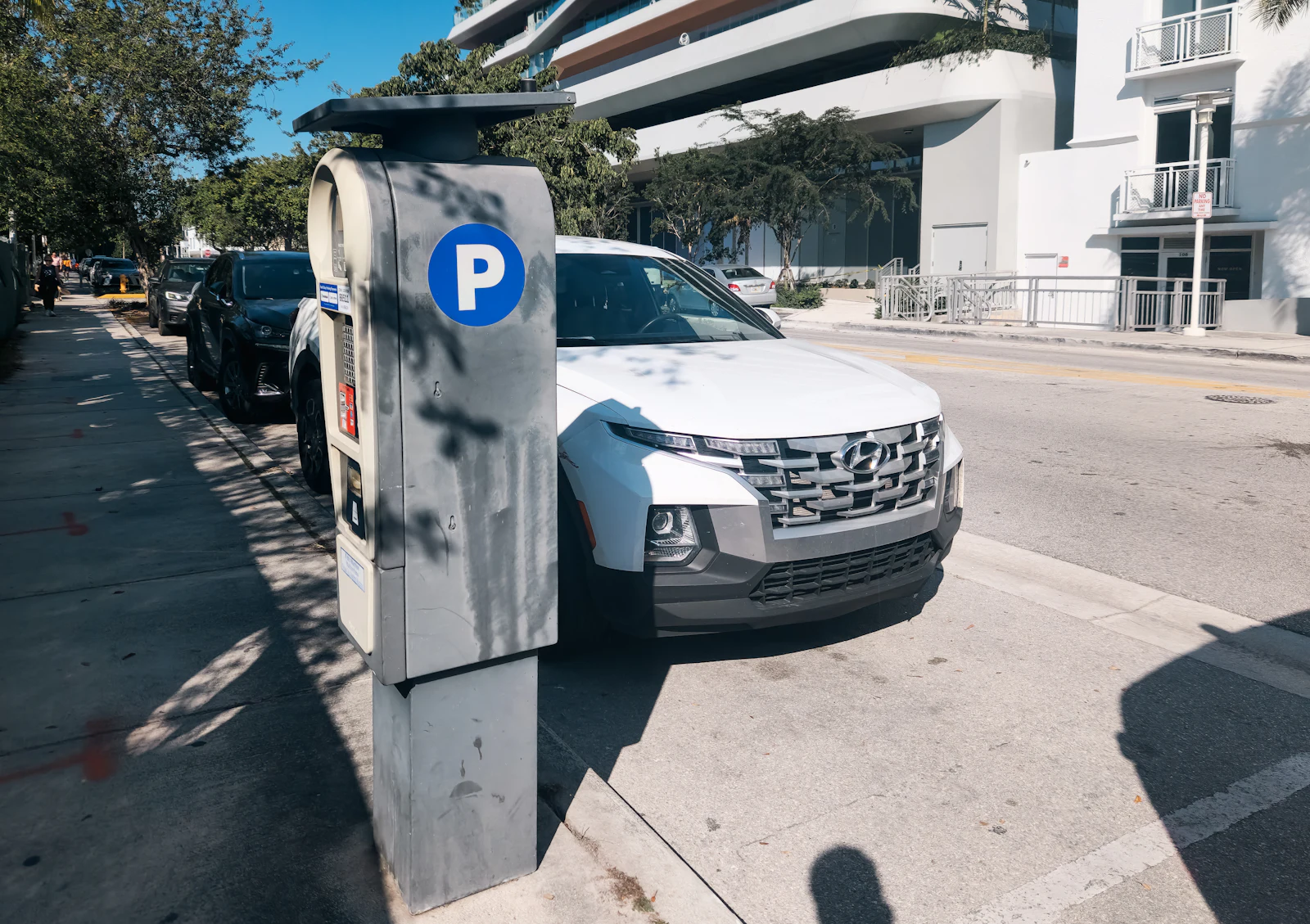
Criminals stick their own QR codes over real ones on parking meters and charging points, or put codes in emails to get past security filters. The code opens a fake payment or login page.
Red flags to look for
- A sticker placed over another code. Look for tampering.
- An email asking you to scan a code to log in. A common trick to move you from a protected computer to your phone.
- The preview address doesn't match the organisation. Most phone cameras show the link before opening. Read it.
What to do if you get one
- Use the official app or type the official website address for parking and payments.
- Before opening a scanned link, read the address in the preview. If unsure, copy it into our link checker.
If you already paid or shared details
Act quickly. It makes a difference.
- Contact your bank if you paid or entered card details.
- Change your password if you entered login details, and turn on two-step verification.
- Tell the car park operator or venue about the fake sticker.
More help: what to do after a scam, and where to report it in your country.
How to protect yourself next time
Keep security software with web protection on your devices
It blocks many known scam and malware websites and warns about dangerous apps. That matters most if you installed an app or "support" tool someone asked you to.
Free: Keep your phone and browser updated, and leave Google Play Protect or Microsoft Defender switched on. Both are free.
- Bitdefender Partner link Security suite for phone and computer with web and scam protection.
Use a password manager
It only fills in your password on the real website, so a look-alike login page gets nothing. It also makes a different password for every account, so one leak doesn't open the rest.
Free: Bitwarden has a free plan, and even the password manager built into your phone or browser beats reusing one password everywhere.
- NordPass Partner link Password manager with a free plan and a family plan for up to six people.
Compare the tools that help, and what each costs
Links marked Partner link may earn us a commission, at no cost to you. It never changes our advice, and the free option always comes first. Affiliate disclosure.
Have you had this one?
Tell other people what the message said and how it reached you. It helps someone recognise it before they tap.
No stories yet. Yours could be the one that warns someone.
Official sources and further reading
We check our guides against advice from government agencies and consumer protection bodies.
- Scammers hide harmful links in QR codes to steal your information (US Federal Trade Commission)
- Unsolicited Packages Containing QR Codes Used to Initiate Fraud Schemes (US FBI Internet Crime Complaint Center)
- QR codes, what's the real risk? (UK National Cyber Security Centre)