In short
Fake payment links, overpayments and couriers that never come. How marketplace scams target both sellers and buyers, and how to trade safely.
Top warning signs: You need to enter card details to receive money; The buyer doesn't want to see the item; Payment screenshots or emails instead of money in your account.
First thing to do: Keep all messages and payments inside the platform's official system.
How the scam works
Targeting sellers: fake buyers send links to pages that look like the marketplace or a courier, asking for card details to “receive” money. Others “overpay” with a fake payment confirmation and ask you to refund the difference.
Targeting buyers: fake sellers list popular items cheaply, push for bank transfer or “friends and family” payments with no protection, and disappear, or send a link to a fake checkout.
Red flags to look for
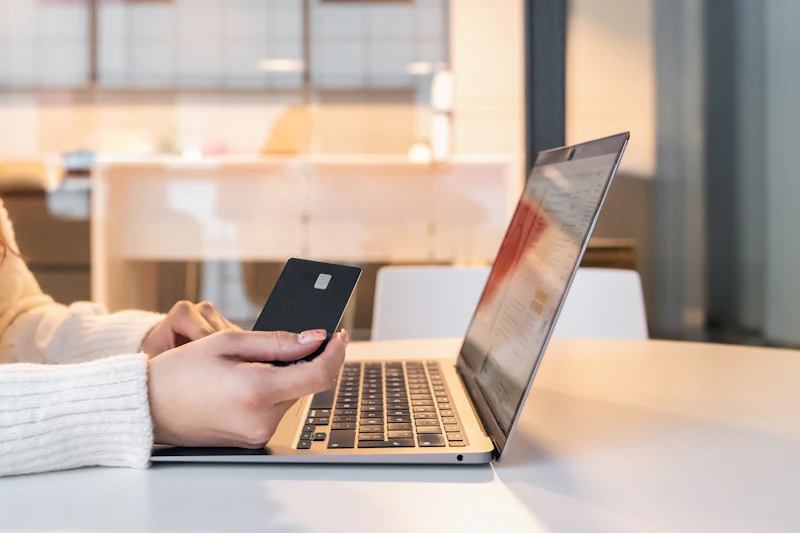
- You need to enter card details to receive money. Receiving money never requires your card number or CVV.
- The buyer doesn't want to see the item. Especially for expensive goods.
- Payment screenshots or emails instead of money in your account. Check your actual balance.
- Pressure to leave the platform's messaging and payments. You lose the platform's protection.
- Prices that are too good. Especially phones, consoles, tickets and pets.
What to do if you get one
- Keep all messages and payments inside the platform's official system.
- As a seller, only hand over items when money is visible in your real account. As a buyer, prefer in-person collection or protected payment methods.
- Check any link with TapSafely before entering details.
If you already paid or shared details
Act quickly. It makes a difference.
- Report the user to the marketplace and contact your bank or payment provider. Card and protected payments can often be disputed.
- If you entered card details on a fake page, block your card immediately.
More help: what to do after a scam, and where to report it in your country.
How to protect yourself next time
Watch for anyone using your identity
If you shared ID documents, card details or a Social Security number, monitoring can alert you when someone opens credit or accounts in your name.
Free: In the US, a credit freeze at Equifax, Experian and TransUnion is free and blocks most new-credit fraud. Elsewhere, ask your bank and your credit reference agency about fraud alerts.
- Aura Partner link US identity theft protection with credit monitoring and fraud insurance.
Keep security software with web protection on your devices
It blocks many known scam and malware websites and warns about dangerous apps. That matters most if you installed an app or "support" tool someone asked you to.
Free: Keep your phone and browser updated, and leave Google Play Protect or Microsoft Defender switched on. Both are free.
- Bitdefender Partner link Security suite for phone and computer with web and scam protection.
Compare the tools that help, and what each costs
Links marked Partner link may earn us a commission, at no cost to you. It never changes our advice, and the free option always comes first. Affiliate disclosure.
Questions people ask
Is PayPal “friends and family” safe for buying from strangers?
It usually removes buyer protection. Use “goods and services” or the platform's own checkout.
Have you had this one?
Tell other people what the message said and how it reached you. It helps someone recognise it before they tap.
No stories yet. Yours could be the one that warns someone.
Official sources and further reading
We check our guides against advice from government agencies and consumer protection bodies.
- Buying and selling scams (Scamwatch, Australian Competition and Consumer Commission)
- Buying From an Online Marketplace (US Federal Trade Commission)
- Merchandise and vendor fraud (Canadian Anti-Fraud Centre)